Android private testing
Read while
you record.
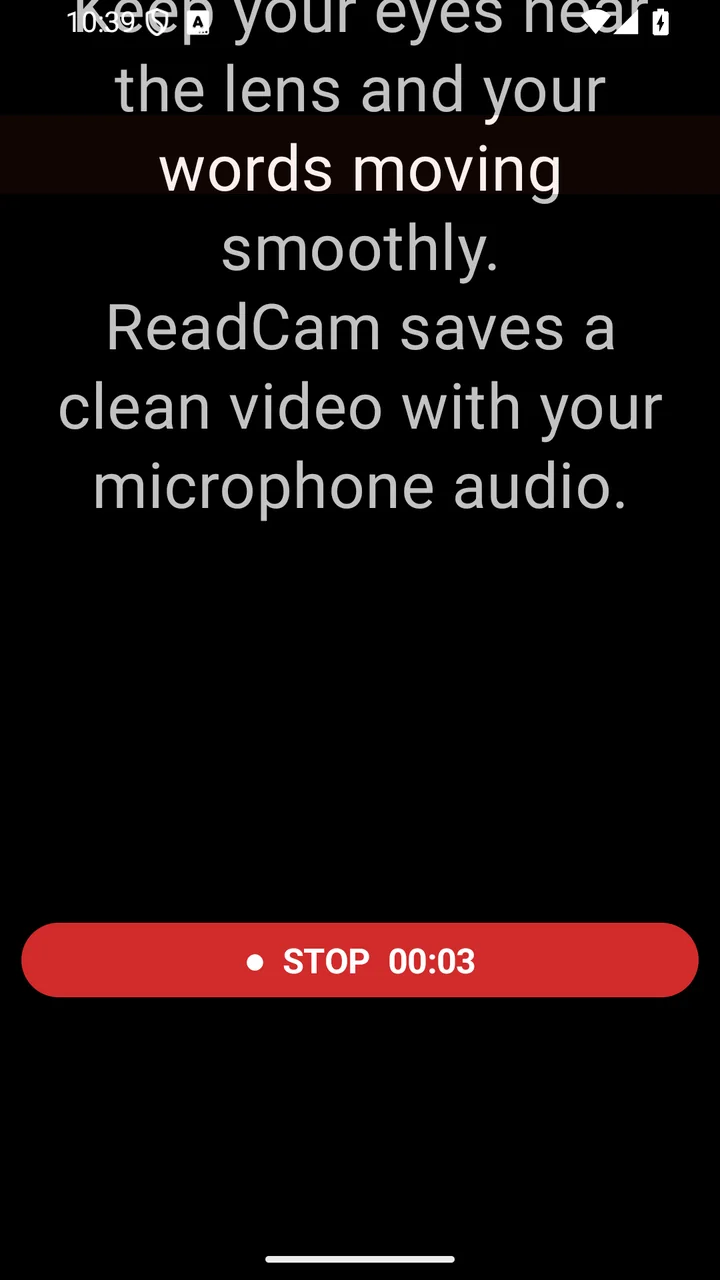
Keep your script moving on screen while ReadCam records clean camera video with microphone audio. The prompt stays on your screen—not in the saved video.
Private Android testing. Requests are reviewed.
The core workflow
From script to clean video.
Four straightforward steps. Your words stay visible while your recording stays clean.
- 01
Write or paste
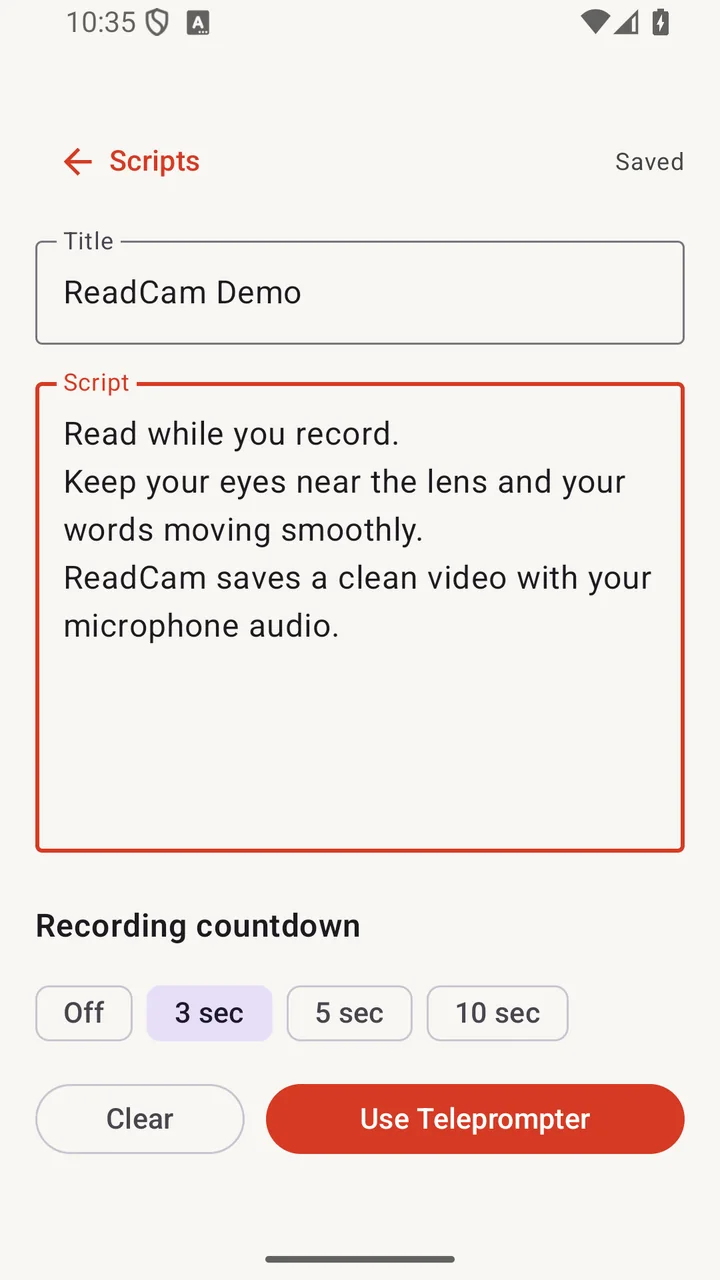
Start a local script and shape it for the take.
- 02
Read over camera
Keep your script moving directly over the preview.
- 03
Record
Use the front or rear camera with microphone audio.
- 04
Clean video saved
Only the camera video and audio reach the final file.
Built for the take
The controls you need, where you need them.
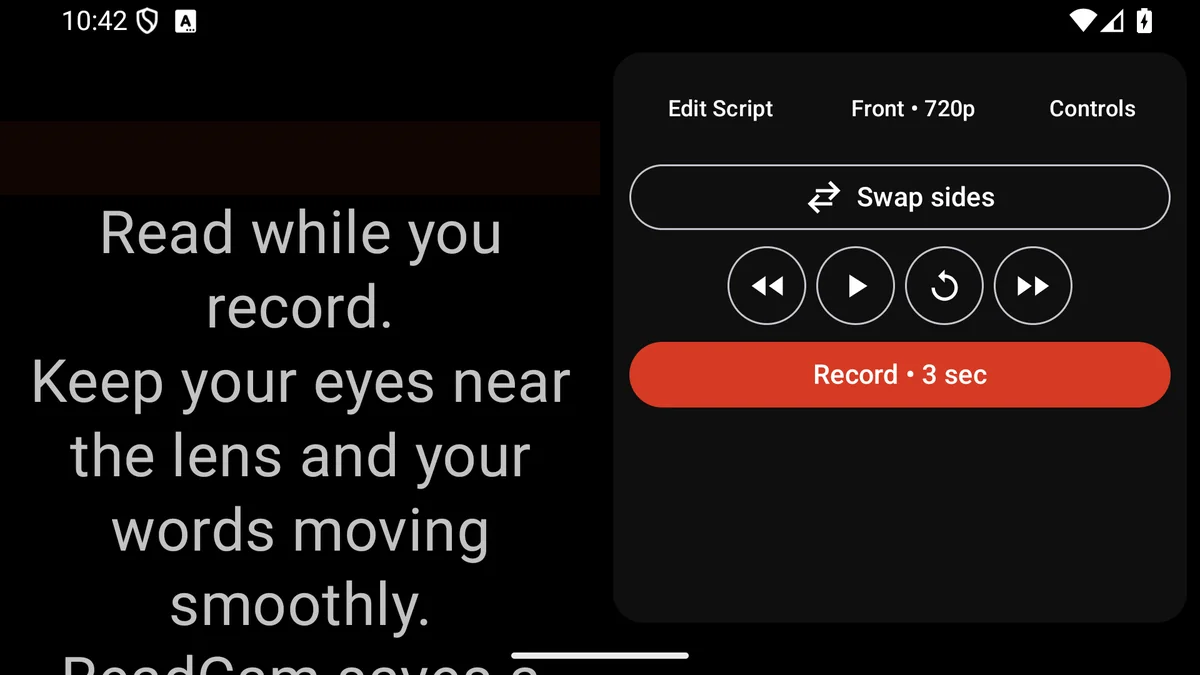
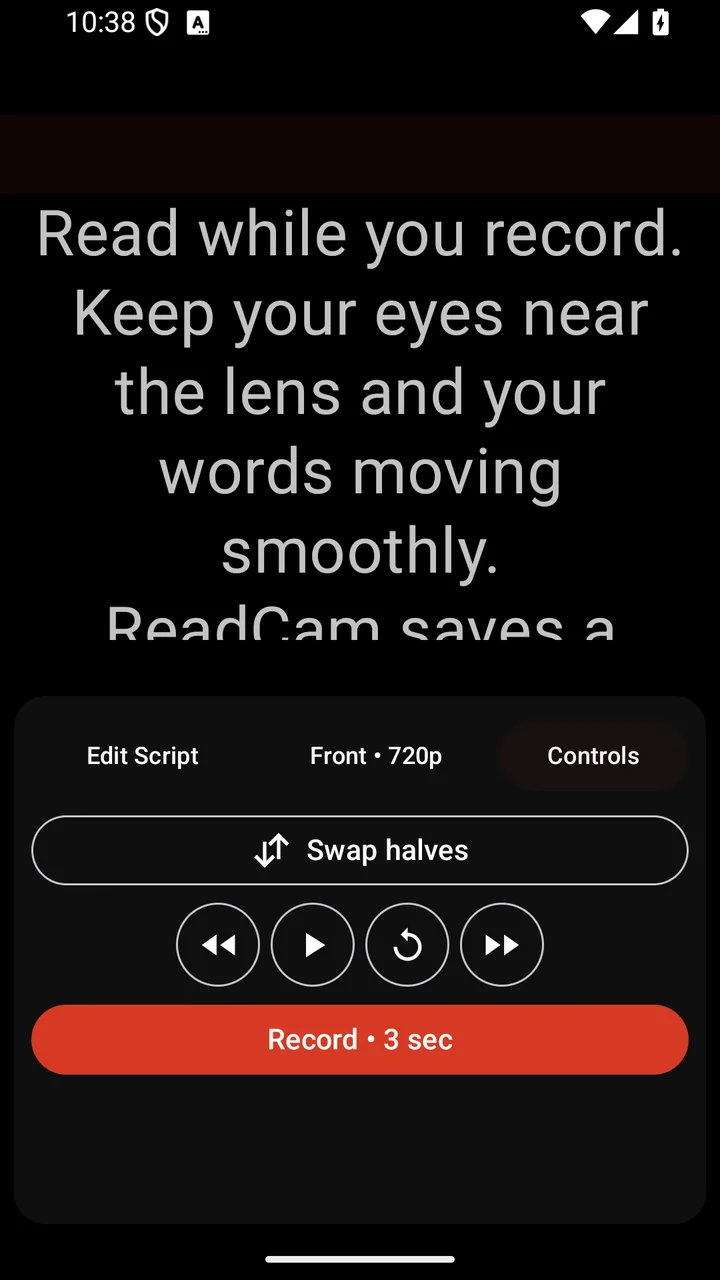
ReadCam keeps the recording flow direct: prepare the script, tune the prompt, and record without moving between tools.
Local scripts
Write or paste scripts and keep them on your device.
Camera and audio
Record with front or rear camera and microphone audio.
Reading controls
Adjust scroll speed, text size, opacity, and countdowns.
Movable guide
Position the reading guide where it helps you stay on track.
Clean saving
Finished recordings save through Android MediaStore.
Offline workflow
The current private-test build works without a connection.
Clean-video proof
Only your video.
No overlays. Ever.
The prompt, reading guide, countdown, and controls are display overlays. They help during the take and are not burned into the saved recording.
- On your screen
- Script, guide, timer, and recording controls
- In your video
- Camera picture and microphone audio
Local-first by design
Your script. Your recording. Your device.
In the current private-test build, ReadCam does not require an account, upload scripts or videos to a cloud service, use analytics or telemetry, or require a connection for the core workflow.
Read the privacy policyIn development
Teleprompter Only
Use ReadCam as a clean prompting display without recording through the app. This is in development and is not included in the current private-test build.
Also planned, with no release dates announced:
- Voice Follow
- Remote control
- Advanced camera controls
- Optional cloud and web workflows
Questions, answered
ReadCam FAQ
Where are recordings saved?
ReadCam saves finished videos to your Android media library through MediaStore, so they appear with your other videos.
Do I need an account?
No. The current private-test build does not require an account.
Does ReadCam work offline?
Yes. The current private-test build can write, prompt, record, and save without an internet connection.
Which permissions does it use?
Camera and microphone permissions are used for recording. ReadCam asks when they are needed.
Which Android devices are supported?
Private testing currently focuses on compatible Android phones. Broader compatibility is still being validated.
Is Teleprompter Only available?
Not yet. Teleprompter Only is in development and is not part of the current private-test build.
Does ReadCam upload my scripts or videos?
No. The current private-test build has no account, cloud upload, analytics, or telemetry.
How do I join the beta?
Request access using the beta form. Requests are reviewed, admission is not guaranteed, and a Google Play account email is required.
Private Android testing
Ready to read while you record?
Request access to help test the current build. Requests are reviewed and admission is not guaranteed.
Request beta access